Creating independent writers with DocsPlus
Table of contents
The ability to work independently is a crucial skill for success at the secondary school level. But this can be tricky for students who have trouble with writing.
Understandably, a student’s first instinct when they become overwhelmed by a writing task is to raise their hand for help. While asking for help is expected, an overreliance on adult support can prevent learners from building the skills and confidence they need to write without that support in exams, coursework, or homework assignments.
In this blog, we’ll be exploring how DocsPlus can empower students to write independently by giving them the support that they would normally seek from an adult.
If your students often ask these questions, here’s how DocsPlus can answer them:
How do I structure this?
The secondary school curriculum requires learners to master lots of different styles of writing. They may need to write arguments for English Language tasks, craft answers to History exam questions that compare and contrast different time periods, or plan coursework that meets assessment objectives.
If your students have lots of questions about how to structure writing tasks, WorkSpaces are a great scaffold. WorkSpaces are visual mind-mapping tools, designed to help students organise their thoughts and plan for writing. When using a WorkSpace, students have a clear visual reminder of the structure they need to follow and the key elements they need to include in their writing.
You can assign students a pre-made WorkSpace from LearningGrids, such as the Persuasion Planner, or the Essay Planner. Or you can also create your own to suit your specific classroom needs.

If you have previously created a plan or structure guide for students to follow outside of DocsPlus, you can convert it into PDF format and upload it via the DocReader. Once you have uploaded your plan, your students can work with it in Dual View. This means they can still see it whilst typing in their Document. They can also have the plan read out to them.
Finally, for students who prefer audio cues, you can record Voice Notes to remind them how to structure their work. Once they have been recorded, students can listen back to them as many times as needed, so they don’t need to ask you to repeat your instructions.
Can you proofread my work?
Proofreading is an incredibly important skill for secondary school students to develop. But learners who struggle with writing can find it difficult to identify errors in their work.
With DocsPlus, students can use speech feedback as a tool for proofreading. Whenever a learner writes something in DocsPlus, they can have it read aloud to them in a clear, realistic voice of their choosing. Hearing their work back often helps students catch problems they would not have noticed through reading alone. For example, a sentence that sounds much too long when read aloud can prompt a student to add a comma or break it into two.
Students can also easily identify spelling errors with the help of Spell Check. Much like a standard word processor, misspelt words will be underlined in red, and students can click to select the correct spelling from a drop-down menu. However, unlike a standard word processor, the DocsPlus spell check recognises phonetic spelling attempts. Plus, any misspellings that are unique to a particular student can be added to the Word Pool, as can any uncommon words or phrases used in your class.
Finally, if you know your students will have trouble spelling certain topic-specific words, you can assign them a Wordbar so that they can add the correctly spelled word into their Document by clicking on it. Wordbars also help students remember to include important key words in their work.

What do I write next?
Sometimes, when students ask for help, it’s out of frustration, rather than needing help with a specific query.
Learners who struggle with writing often have lower stamina for the task and, therefore, are more likely to get stuck or struggle with how to continue a piece of work.
The Predictor is a great tool for helping learners overcome blank-page syndrome. As students write, the Predictor offers context-appropriate suggestions for the next word in the sentence, which they can click to add into their Document. This could be just the boost they need to keep writing!

The Predictor works alongside the WorkSpace, Wordbars, and Spell Check to remove barriers to writing. This support reduces the cognitive load of writing tasks, helping students think about what they want to convey in their writing without being overwhelmed by the writing process.
What if you can’t read my handwriting?
Handwriting can be a concern for many pupils. Whether it’s issues with legibility, speed of writing, or physical difficulties, DocsPlus can provide a solution without the need for a scribe.
A student can also take advantage of tools like the Predictor and Wordbars to reduce keystrokes.
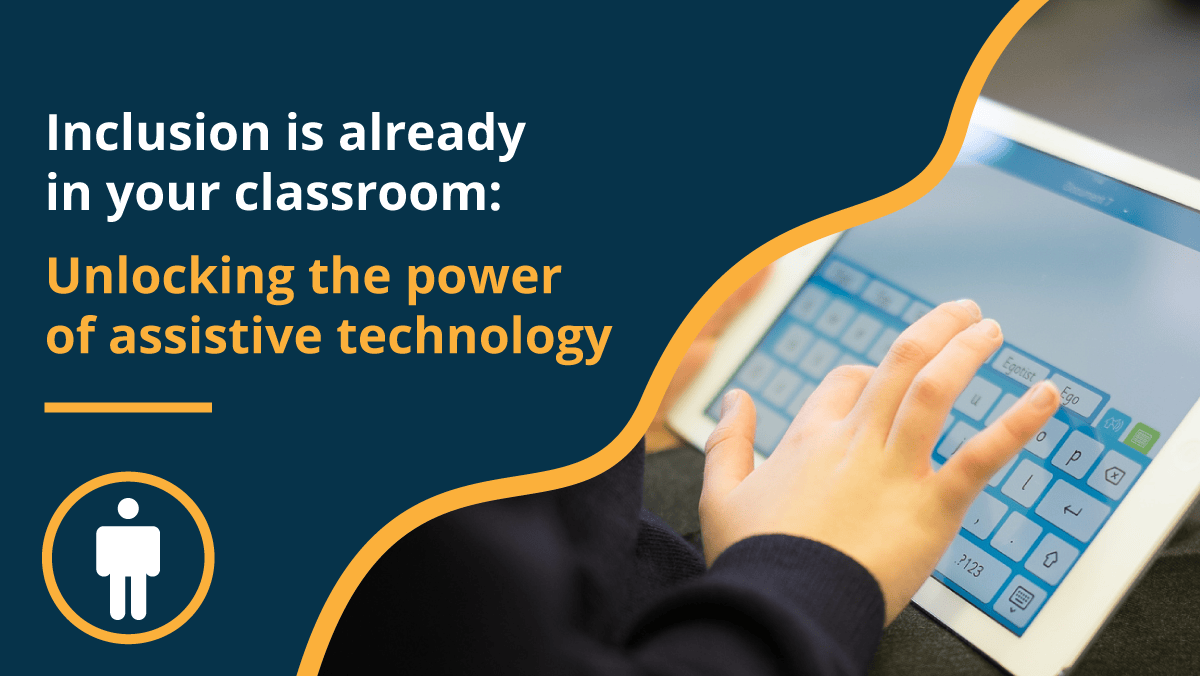
Students also have the option of using our accessible on-screen keyboard to select letters instead of typing. The keyboard can also be customised with a different layout or with SuperKeys enabled.
DocsPlus can also be accessed with switches or Eye Gaze, meaning that every student has the opportunity to craft independent written work.

Conclusion
With the right scaffolding and support tools, learners gain the confidence they need to work independently and build the problem-solving skills necessary to improve their writing output.
If you would like to learn more about supporting writing with DocsPlus, you can read these blogs:
- Subject-specific vocabulary support for struggling readers and writers
- Supporting struggling readers to access the secondary curriculum
- How DocsPlus helps students tackle revision and exam stress
Or watch these webinars: