New Clicker Desktop updates including Analytics and Picturize
I am excited to be able to share with you the new release of Clicker Desktop - a free update for all subscribers.
Analytics – automatically collects data for formative and summative assessments
We’ve made several big improvements, most notably a more user-friendly interface for Clicker Analytics. This will be introduced to our Clicker Writer app later in 2025.
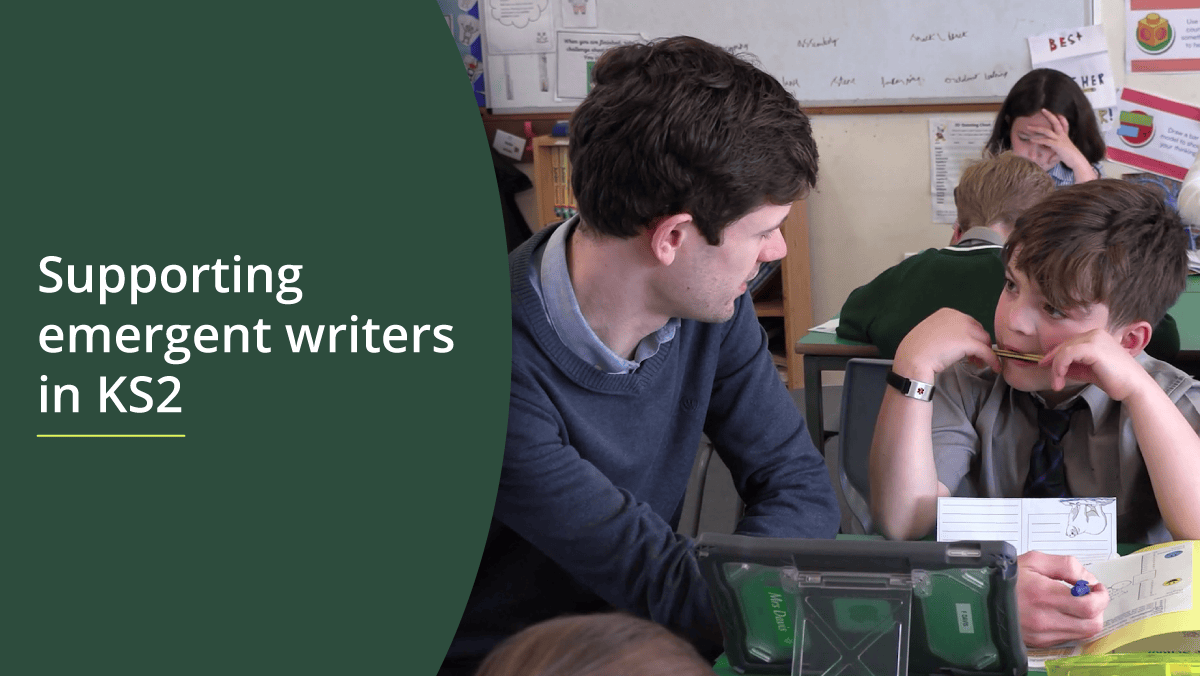
As many of you know, I recently left the classroom after working for many years as a classroom teacher and senior leader in a primary school in Tower Hamlets. We used Clicker extensively across the school – with all my colleagues reporting back about the different support tools in Clicker that were popular with children in their classes.
Everyone has different favourites – adults and students. Clicker Analytics supported our formative assessment to work out what is working for the different learners in our classes. This lets teachers personalise scaffolds for future lessons, for example considering what Clicker Sets to provide in the next lesson or whether particular spelling patterns need to be focussed on.
In our summative assessment cycle, tracking progress of children working below national expectations was a huge challenge when I worked as a senior leader. We used Clicker Analytics as a tool to track children’s progress in writing at key assessment points in the school year, similar to how my colleague, Bridget Griffiths, described in a recent blog post Assessing pupils' writing progress in KS2. Clicker Analytics lets us see progress at a glance.
I also found using Clicker Analytics with individual children hugely powerful. A highlight for me in my last year in the classroom was looking at Clicker Analytics alongside one particular year 6 child. After finishing his writing on Clicker, he loved looking at his own Analytics chart and discussing with me how and why he had used different support tools in Clicker. It helped him reflect on his writing and what the writing process looked like for him, as well as helping him see the progress he’d made.


The new Analytics interface makes it easier to get all these benefits. You’ll now see clearly the progress the children in your classrooms are making using all of Clicker’s support tools and you’ll be able to work out how to adapt your teaching to target your support even more.
Picturize - the power of pictures (and symbols!)
As you all know, Clicker celebrated its 30th birthday last year. Since Clicker first appeared in classrooms (my mum’s classroom being the first!), pictures and symbols have been supporting children with their writing, helping emergent writers quickly find success and interact with the written word in ways that they would not have previously.
Our latest update to Clicker Desktop made some small (but mighty) changes to how teachers can use pictures and symbols to support learners in their classrooms.
Picturize all grids in your Clicker Sets in just one click!
You can now create all the grids in your Clicker Set, then picturize the whole set, choosing which picture library to use. If you want to remove all the pictures, just click ‘remove pictures’.
Every child is at a different point in their journey to becoming a writer. Many of you, like me, will have carefully designed Clicker Sets with a group of learners in mind, knowing that each child needs a slightly different scaffold to help them make progress. Some children prefer images, some use symbols and others will prefer to have no image at all, opting to use Clicker’s text to speech as their primary support.
Here’s how to create the three different sets in just a few clicks:
- Make your Clicker Set, click Picturize and select ‘Apply to all grids’. Make sure your source is ‘CrickPix2’.

- Save your first Clicker Set with picture support.
- Edit the Clicker Set by clicking Picturize again. This time, choose your symbol library as your source.
- Save your second Clicker Set, this time with symbol support, by clicking ‘Save Clicker Set As’.
- Edit the Set again and click ‘Remove all pictures in this Clicker Set’.

- Save your third Clicker Set, with only text, by clicking ‘Save Clicker Set As’.
Remove all the pictures from a document:
We all know a child who uses pictures or symbols to support their writing, but prefers not to have them in their final outcome. Once the child is ready to print or submit their work, they can remove all pictures in their document. You’ll find the button just below ‘Picturize’ in the insert pictures menu.

Another quick way to use Clicker to target the support at exactly the point each child needs in your class!
How to access the latest update
These updates are available to all our current Clicker subscribers on Windows/Mac:
Visit Downloads - Crick Software UK. For standalone computers, simply run the installation package. For network deployments we recommend uninstalling first before re-deploying. Network installation instructions are here.
We’re here to help!
If you need any assistance updating to the latest versions, contact our technical support team. If you have any questions about the new tools and features we’ve introduced, please book in a meeting with your Partnership Consultant to explore them in more detail.