Welcome to your Lending Library Portal
Here you will find videos and guides supporting you with using Clicker with your pupils during your pilot.
Clicker is an accessible tool that gets these children from ‘I can’t do this’ to ‘I can do this’ to ‘I can do this by myself.’ It’s just brilliant.
Why Clicker?
Clicker supports children throughout the writing process, enabling them to complete writing tasks alongside their peers whilst developing their core literacy skills.
Watch our short success story video to see how Clicker has helped transform pupils' attitudes to writing and removed barriers.
Watch our short success story video to see how Clicker has helped transform pupils' attitudes to writing and removed barriers.
Your Clicker pilot
Throughout your pilot period, we have lots of resources on hand to help you get the most out of Clicker.

Training course
Register for our on-demand training course that you can complete at your own pace.

Introductory webinar
Start your journey with Melissa who will guide you through using Clicker!
Speak to your dedicated Clicker expert
We recommend booking a pilot kick-off meeting, a check-in meeting at the half-way point, and a final feedback meeting with our team.

Clicker LearningHub
Don’t forget about our bank of free, on-demand training resources on our website.
Measuring impact
During your pilot, it’s important that you are able to see the impact that Clicker has had on your pupils. Here are some ways that you might want to measure that impact:
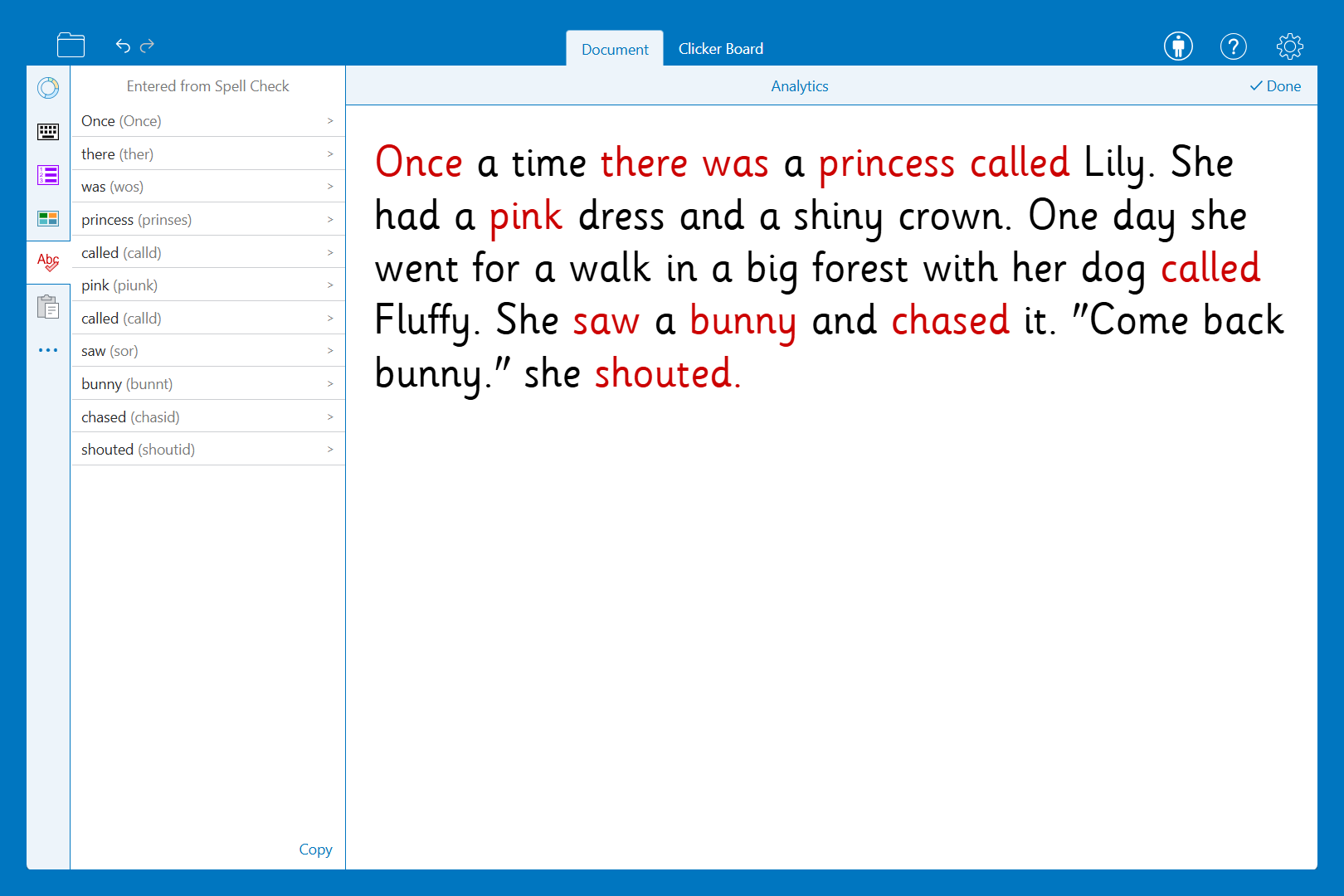
Analytics
Clicker’s analytics tool provides you with rich data, giving you a unique insight into each learner’s writing process. It can give you bespoke spelling lists of spelling patterns your learner is struggling with to then deliver targeted interventions.

You can even check which words the pupil has opted to listen to before using them, helping you to assess whether the vocabulary provided is at an accessible level.
Pupil views
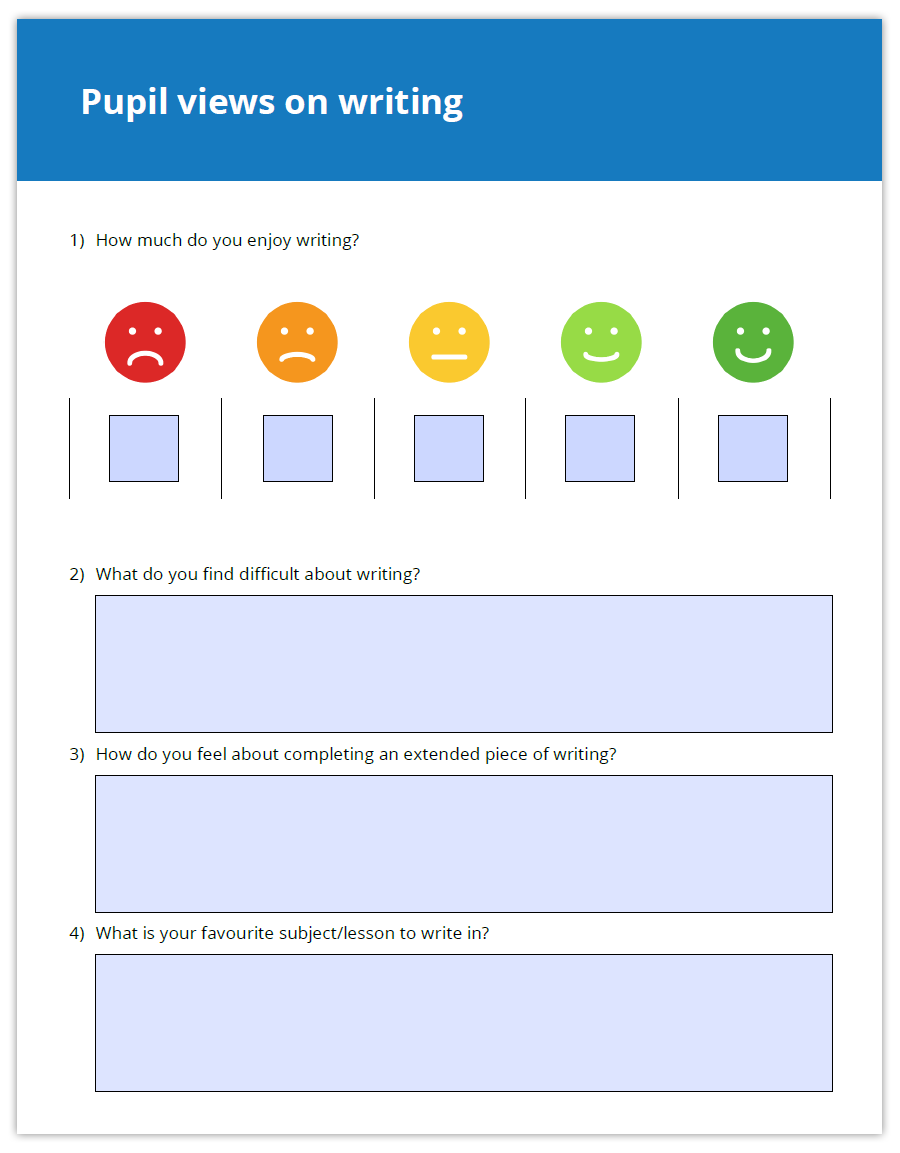
Our pupil survey is a simple and effective way to gather feedback on how children experience using Clicker in the classroom. It helps teachers understand pupils’ views on how Clicker supports their learning, boosts confidence, and encourages independence. The insights collected can guide future planning and ensure Clicker is used in ways that best meet pupils’ needs.
We've created a variety of templates that you can use to help gather your pupils' views.
We've created a variety of templates that you can use to help gather your pupils' views.
FAQ
Clicker files
Find out how to save and share Clicker files.
LearningGrids
Discover our free, ready-made curriculum resources.
Blog
Explore our blog to find more ways to get the most out of Clicker