DocsPlus Menu
Check understanding with DocsPlus Cloze
Cloze activities are a great way to assess your students’ topic comprehension, reading and language skills. With DocsPlus Cloze, you can create cloze activities in a matter of seconds, with any text!

Quickly create activities
To create a DocsPlus Cloze activity, simply type or paste in your text, select the words you want to remove and click ‘Go’! Complete the activity on-screen or print off for use as a worksheet away from the computer.
Cloze the DocsPlus way
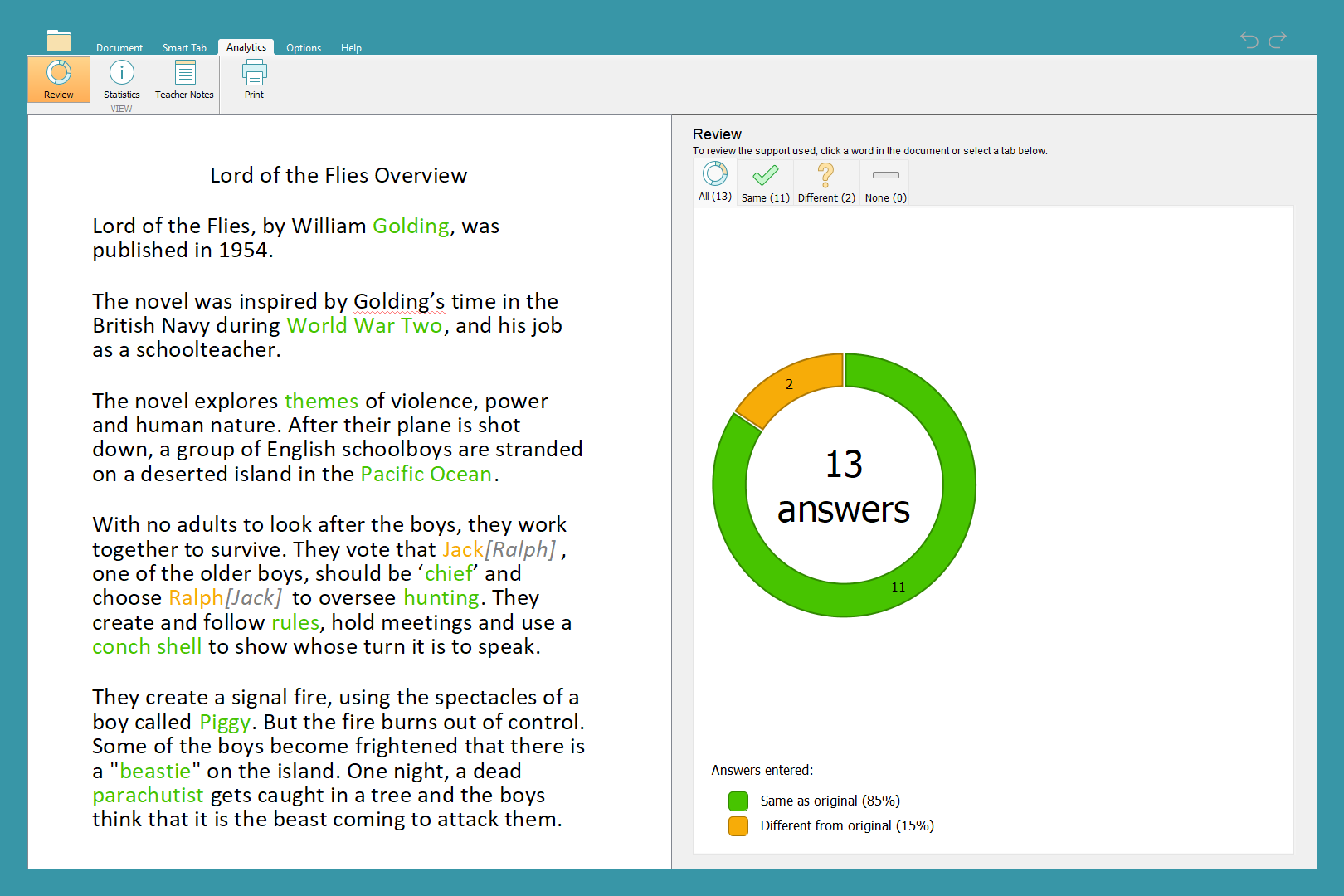
As students work through the activity, they can select any word within the text itself or the list of suggestions and have it read aloud to them with DocsPlus' speech feedback. They then click to send their choice into the relevant gap. Afterwards, teachers can find out at a glance how students have done by viewing the ‘Analytics’ tab.
Customise for your students and objectives
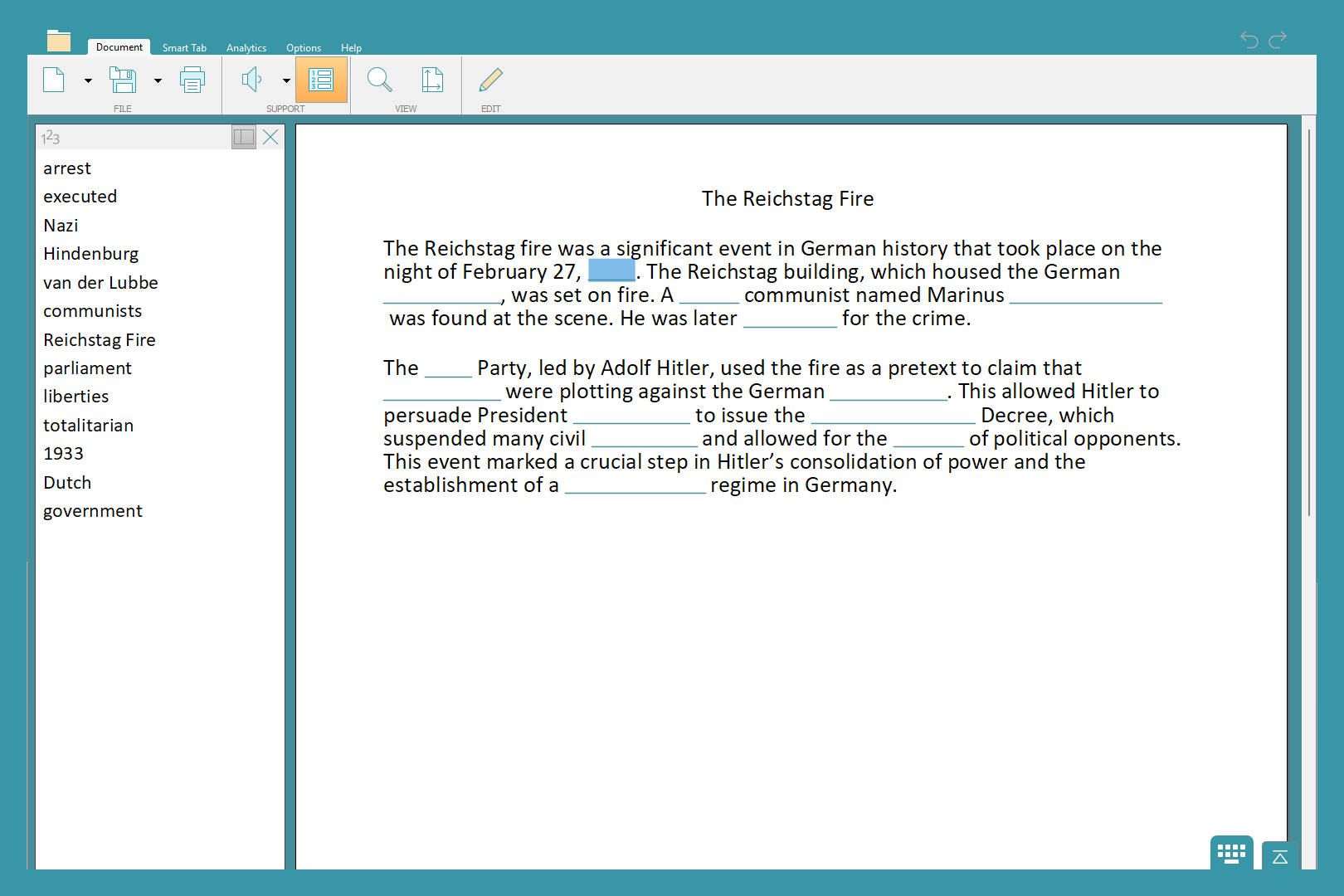
Choose how many words will be suggested for each gap, or whether to provide suggestions at all, to ensure students have the right level of challenge. Use ‘Custom Words’ to create an activity where each blank has its own set of suggested words. This can be used to assess a variety of skills including allocating quotes to characters, choosing antonyms and synonyms purposefully and applying subject-specific vocabulary.