What you learned: Printable Summary
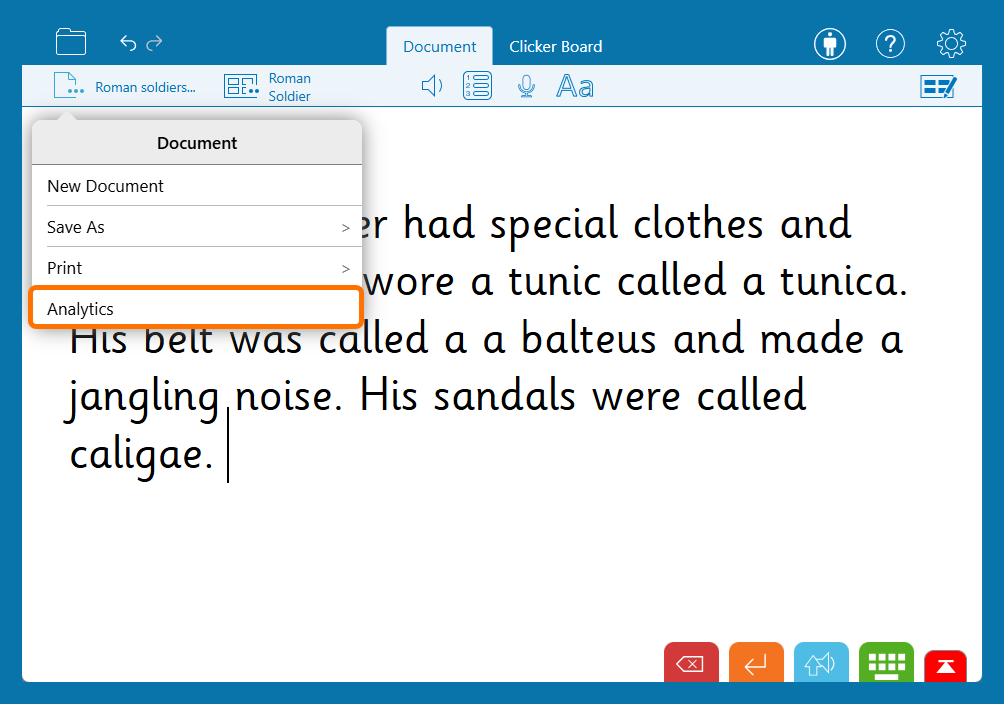
Overview
Use Clicker Analytics for insights on how a child has put together a piece of writing:
- Click the Analytics icon in the lower toolbar:
- On the left, the review chart displays a summary of how text has been entered into the document.
- On the right, the words in the document are coloured according to how they were entered.
Drill down
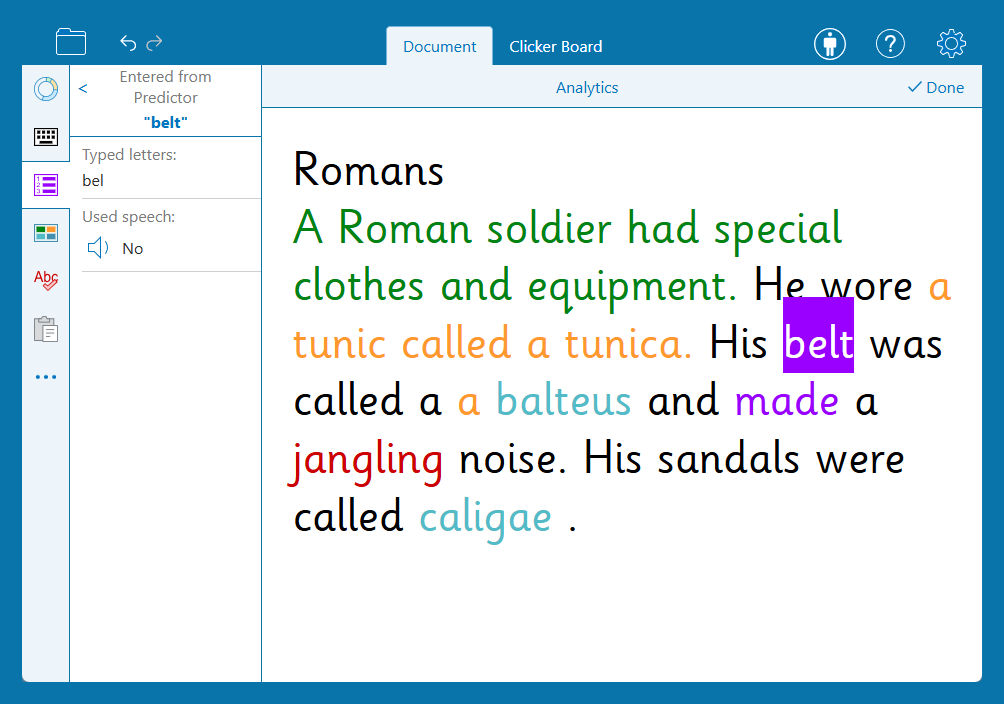
Get more detail about how each word was input:
- Open the tabs on the left to see all the words input from a particular source.
- Click words to view more information. You can see:
- Original spellings or attempts at a word.
- Whether the speech tool was used to listen to a word.
- Clicker Sets that were used.
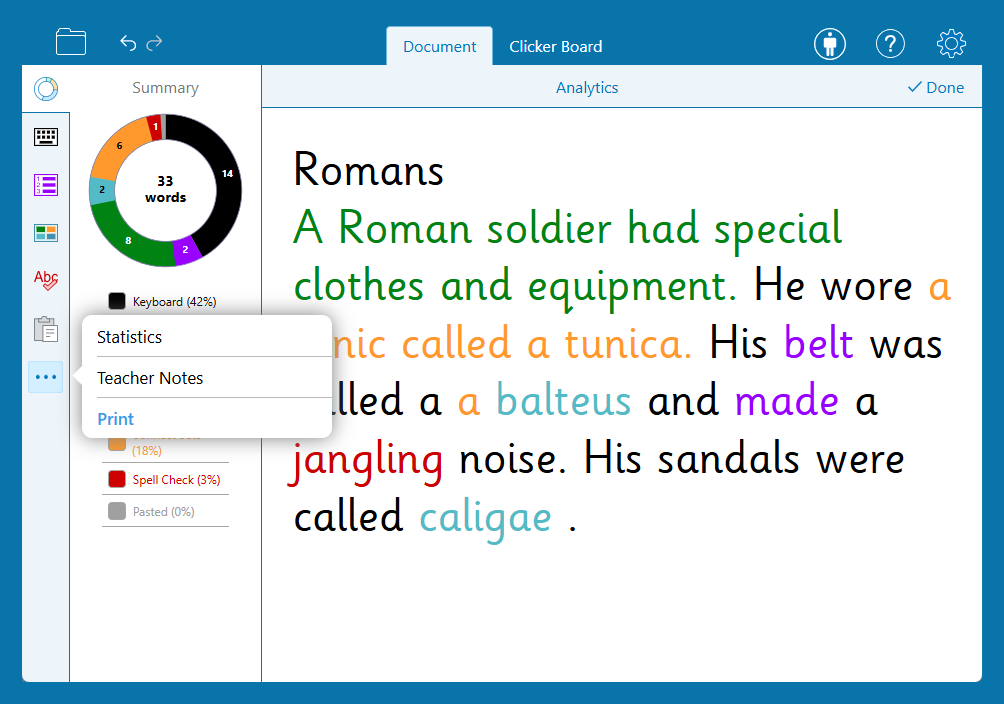
More tools in the Analytics ribbon:
- Open the menu:
- Choose Statistics to see information on the structure of the writing.
- Choose Teacher Notes to add or view your notes.
- Choose Print to print the Analytics data.
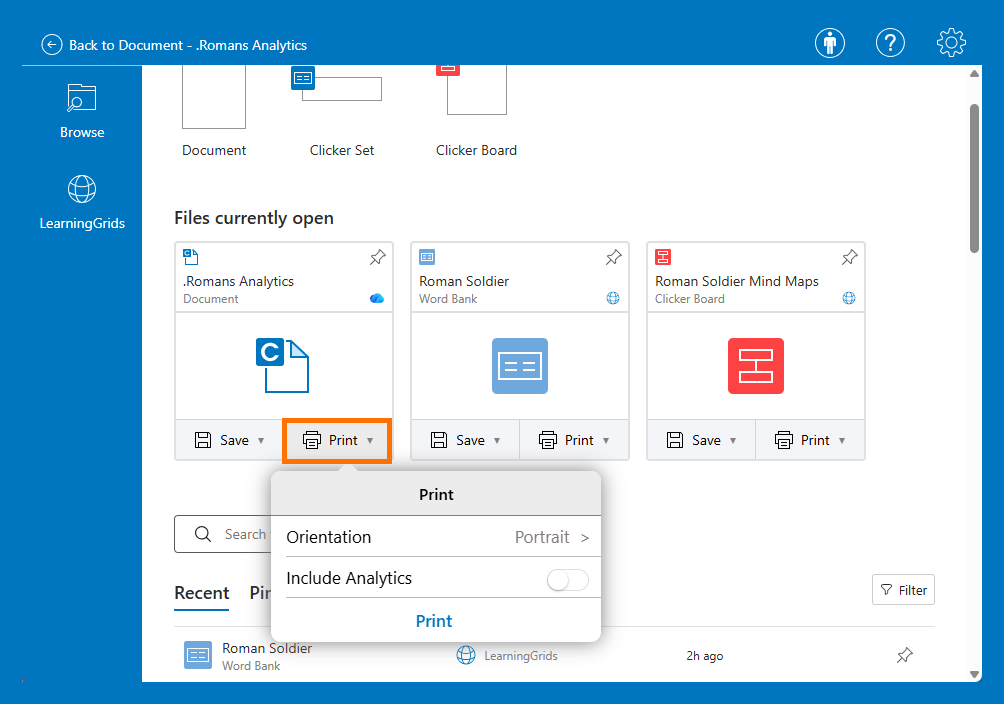
- Check Print Analytics when printing a document to print Analytics information alongside a learner’s work.