Supporting EAL learners in the classroom with Clicker
Clicker enables children of all abilities to significantly develop their reading and writing skills (and confidence). As such, it is widely used to provide EAL learning support in the classroom. You can use Clicker to teach children to understand, speak, read and write in English, and enable them to participate in lessons with their peers.
For EAL pupils, having the right learning support can instantly make it accessible - and enjoyable! With activities easy to tailor to pupils’ needs, Clicker is a great tool to support the acquisition of the English language.
How does Clicker offer EAL language support?
- Speech feedback – the latest British English speech engines provide pupils with a clear pronunciation model and helps them to make connections between the way words look and sound. Also, the highlight of the text as it reads, tracking from left to right is extremely important for children new to English.
- Picture support – the Crick Picture Library contains over 4000 engaging pictures, enabling you to provide your pupils with graphical support as they work. You can add your own photos and images to create activities based on each child’s own interests and experiences.
- Talk Sets – using Talk sets is a perfect way to practise speaking skills. For example, add pictures from a familiar environment and let the pupil record his or her voice for each item.
- Sentence building – create sentence building activities – and individualise with levels of support – in seconds! Use the Guided Order functionality to really reinforce left-to-right directionality.
- Free resources – our LearningGrids site has hundreds of ready-made free resources for Clicker users, making curriculum content accessible and therefore highly supportive and appropriate for English language learners. These include Clicker Books to engage learners, Matching Sets to support emergent readers, Talk Sets to develop speaking and listening skills, and Sentence Sets and Connect Sets to support the first steps in writing.
Enabling EAL learners to access the curriculum
Clicker resources are available on LearningGrids for a range of subject areas (e.g. Science, Maths, Geography, History). Because of the additional support provided by Clicker, all of these resources could be considered useful for English language learners accessing the curriculum. However, I’ve highlighted a few key areas below as starting points.
Use Clicker's EAL learning support to help new arrivals with language aquisition
New to English (At School / House / Street / Supermarket / Shopping Centre)
The main focus of the ‘New to English’ activities is to offer learning support to EAL learners with little or no English (i.e. new arrivals) essential vocabulary. Start them in their new environment with inclusive resources that feature active listening, speaking, reading and writing in English.

These activities aid the development of vocabulary, sentence structure, and functional English. They develop in small incremental steps to help the learner to become ready to communicate in English and to develop the skills necessary to access the curriculum. Children benefit from the supportive framework of Clicker – they can listen to words and sentences, record their own voices, write labels and sentences. They can work at their own pace and build up their skills and confidence in a secure and non-threatening environment.
Support EAL pupils in the classroom with text-to-speech to model language
The real speech used in the Explore / Label / Talk / Matching activities offers a clear language model and children can record simple words and phrases themselves – as many times as they like. An opportunity for practising English, but equally for inclusivity of the child’s first language – they can record names of the objects in their own language, so their English-speaking classmates can be new language learners too!
For each topic (School / House / Street / Supermarket / Shopping Centre), children explore a range of different focus areas to learn associated key vocabulary. Each focus area generally introduces 10 key words, and through the Clicker activities:
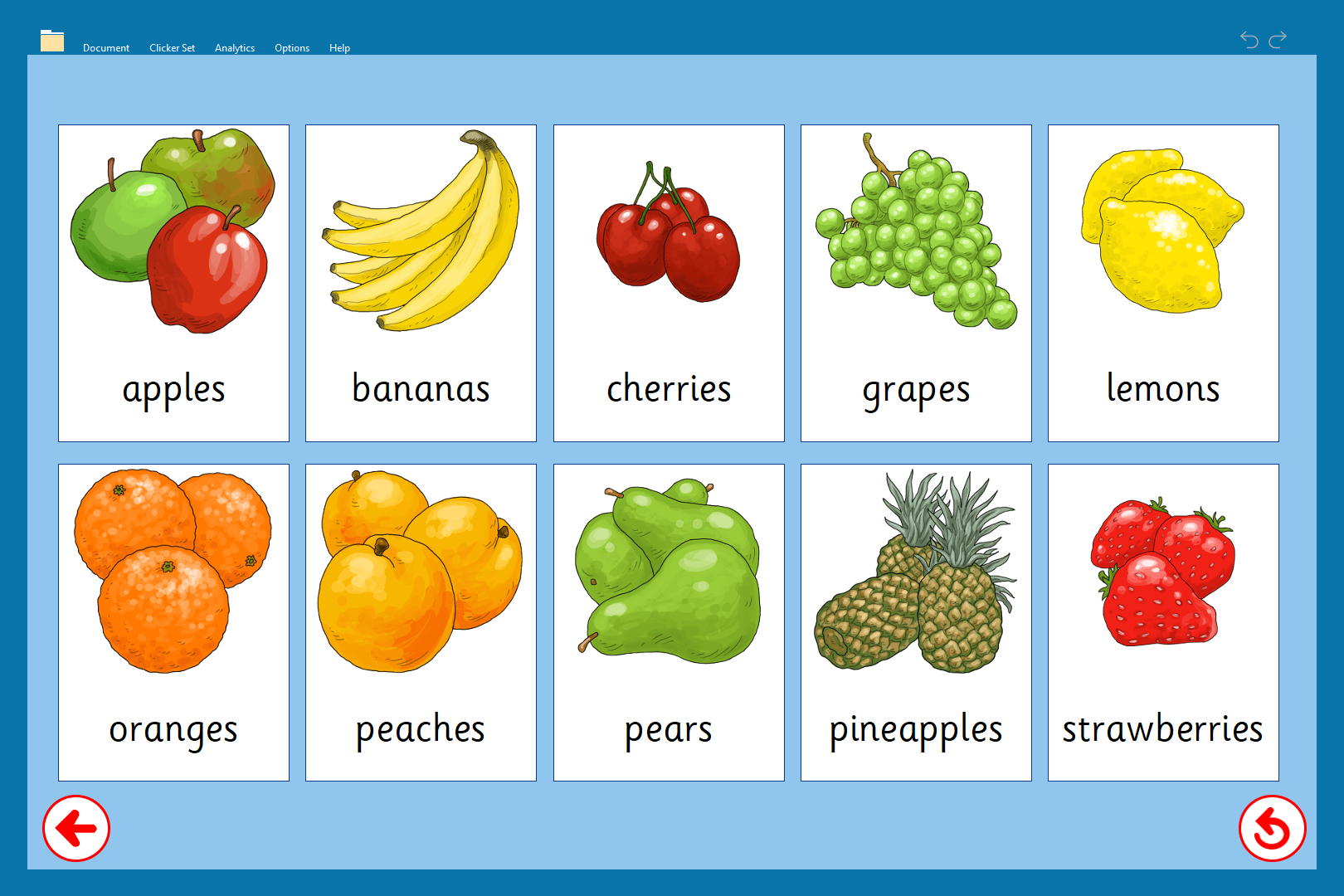
- Associate the words/sounds with a picture to help improve their understanding.
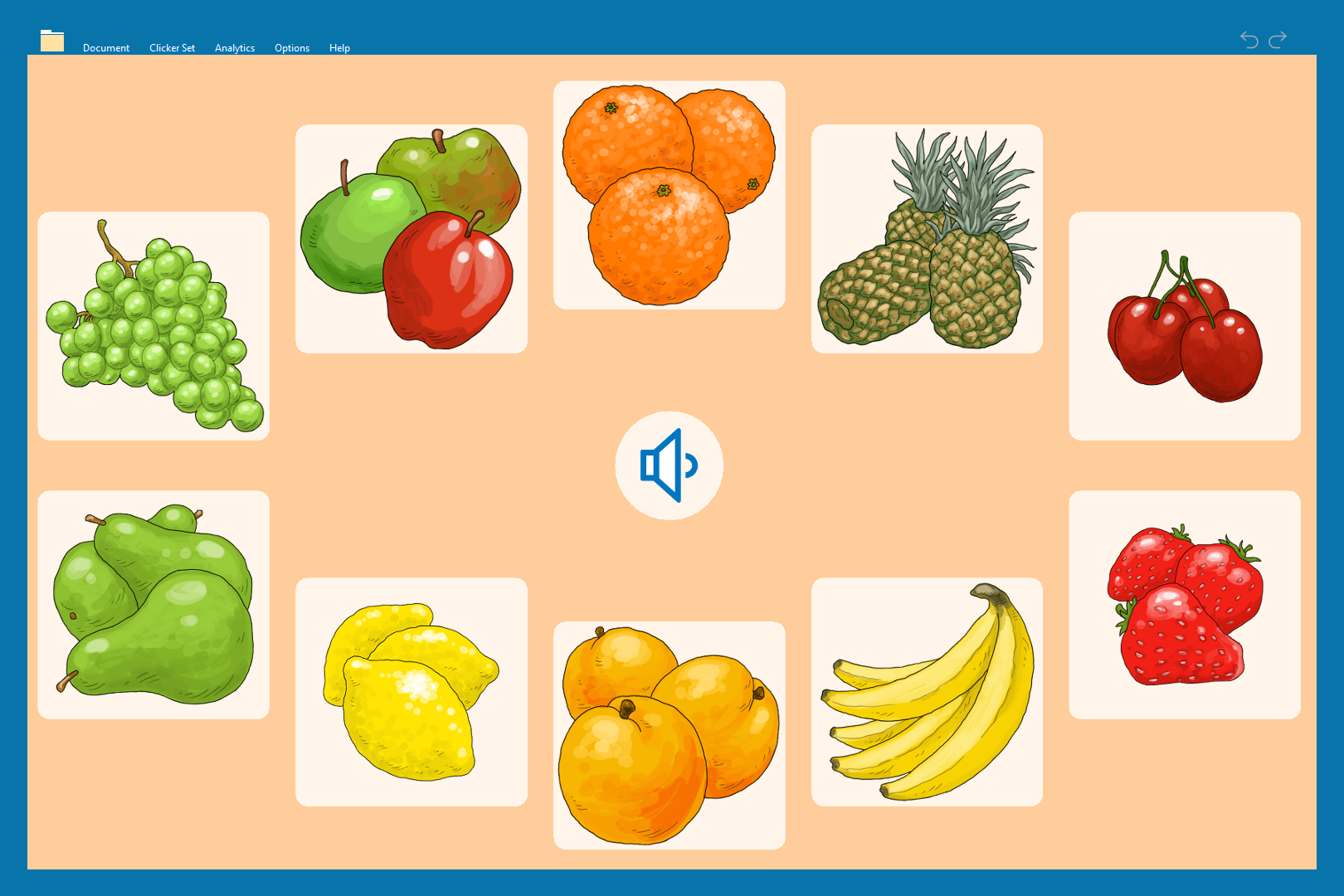
- Recognise the words on hearing them and develop their listening.
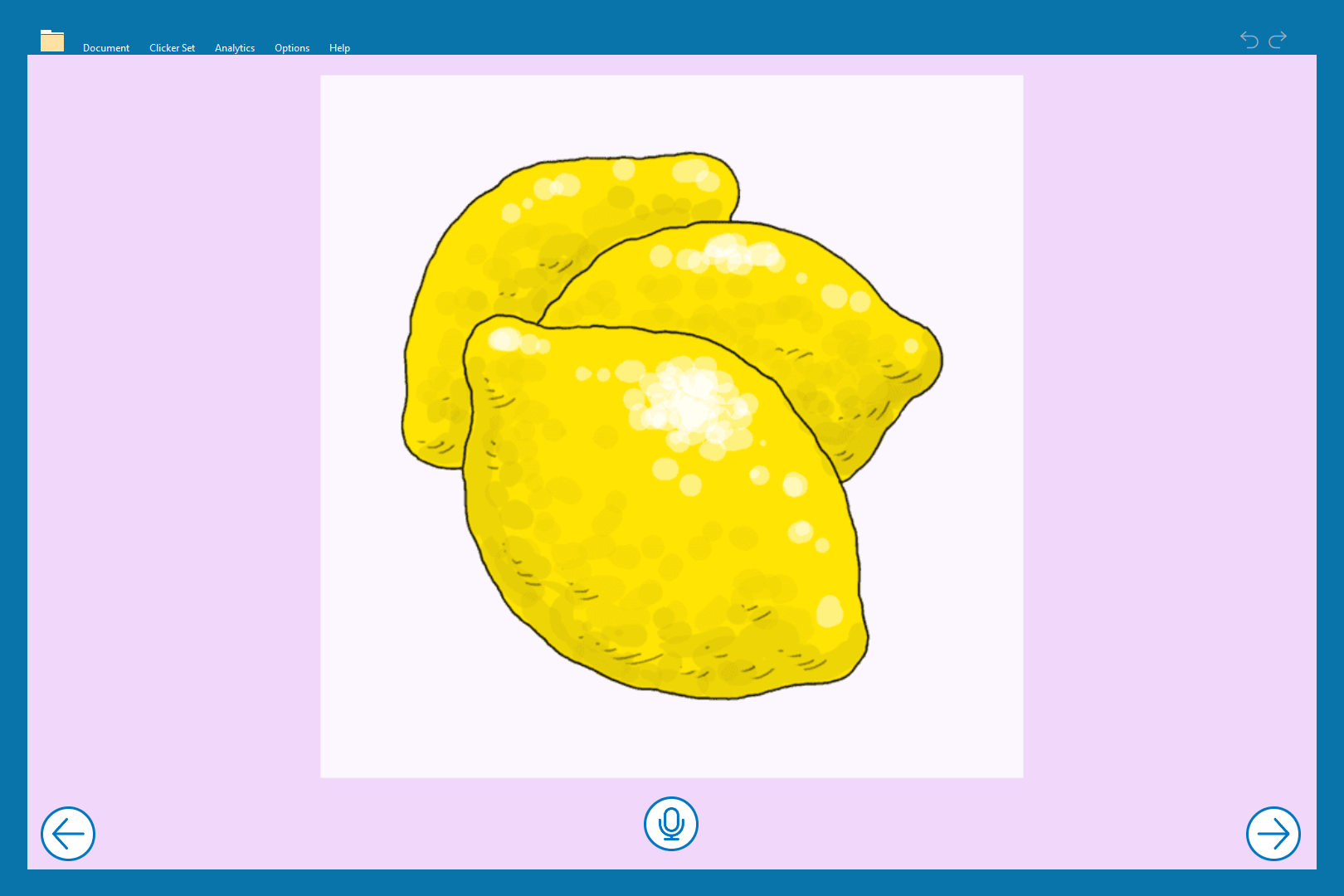
- Say the words confidently and boost their speaking.
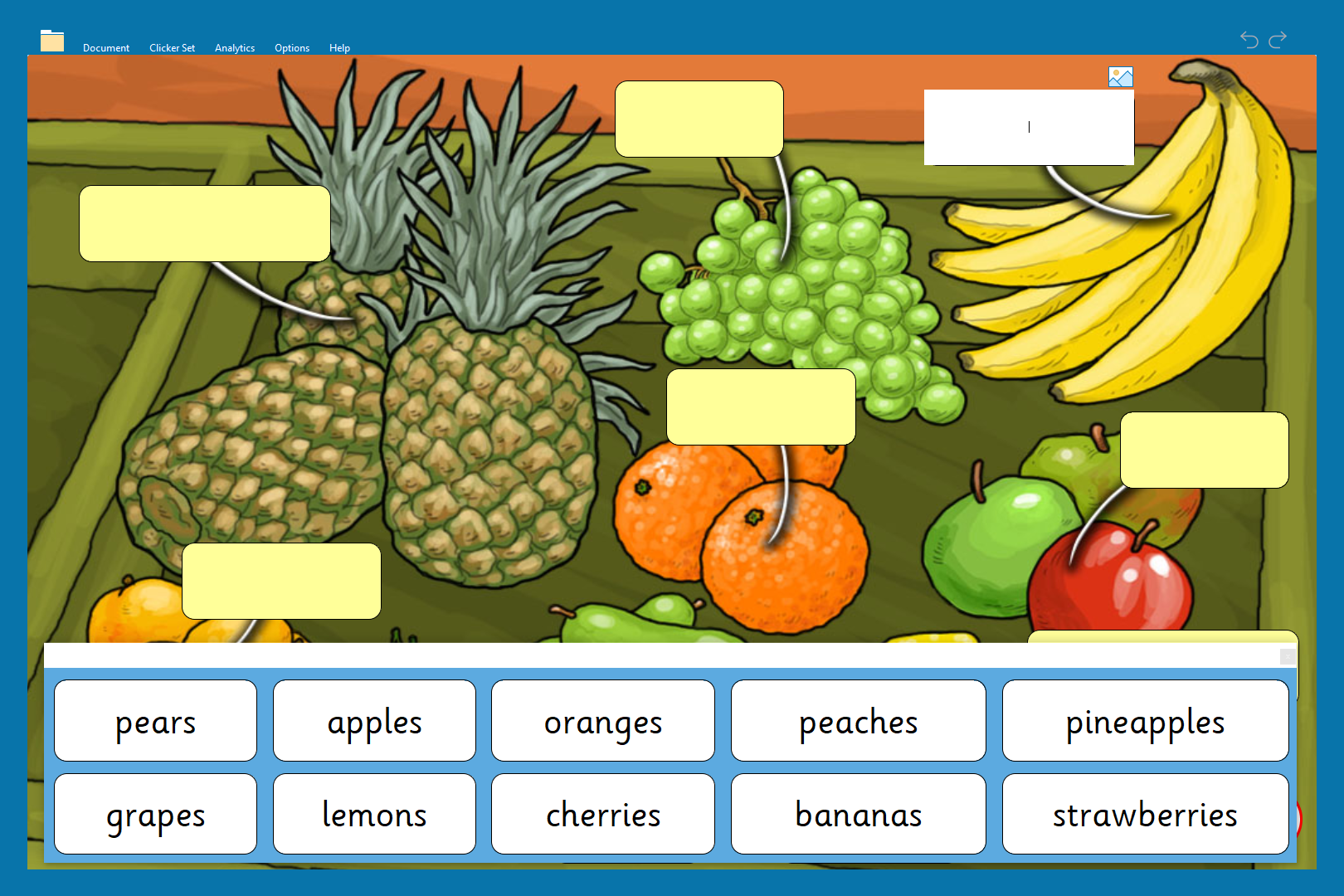
- Recognise the words on seeing them and improve their reading.
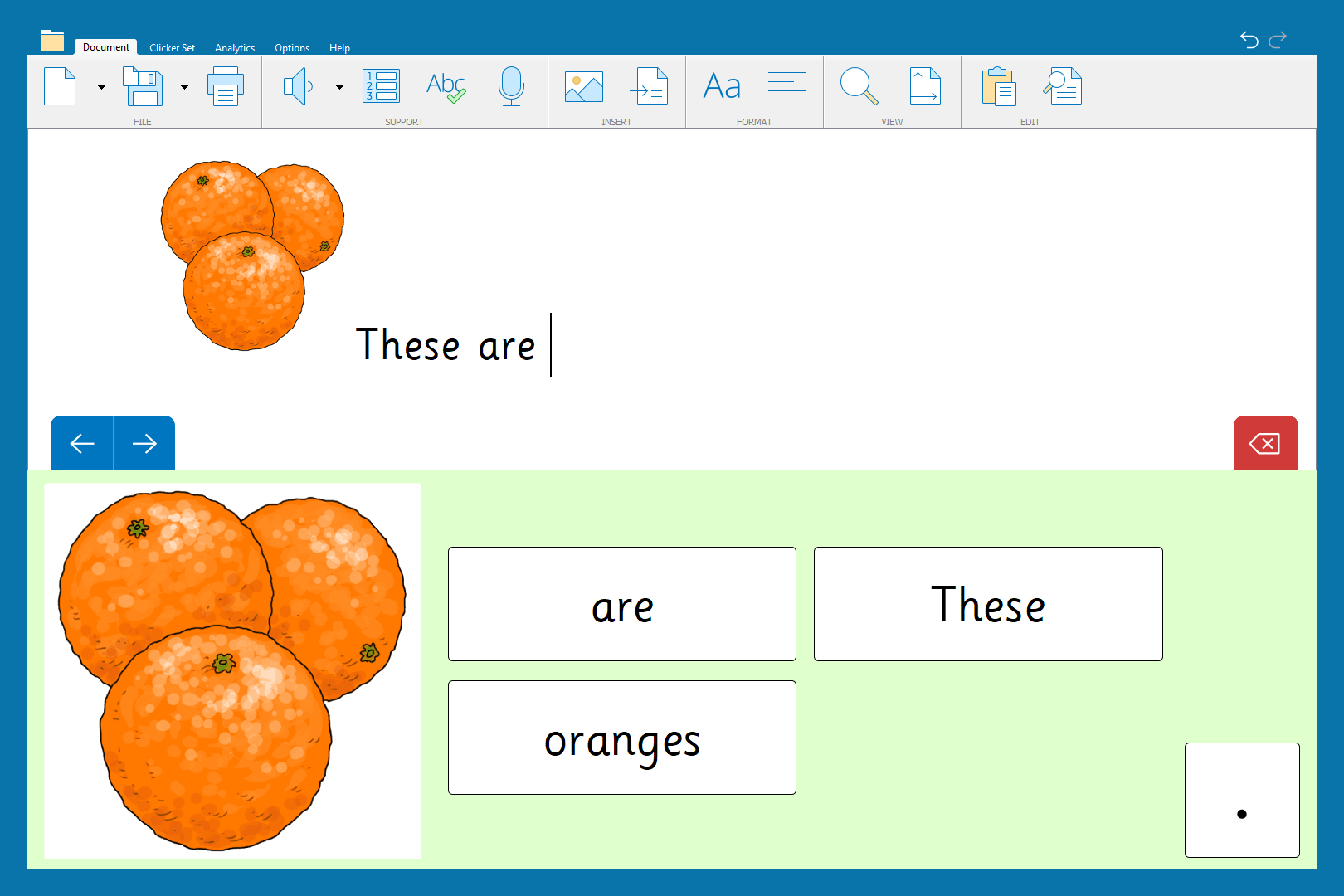
- Use words in simple sentences to help develop their writing.
The activities offer EAL pupils MULTI-SENSORY learning support – oral, aural, visual – and children are encouraged to ACTIVELY participate in the activities. The combination of spoken, written, visual and picture support gives learners the opportunity to engage in meaningful activities matched to their level of English language development. This multi-level approach through Clicker offers lots of ‘ways in’ for children learning in different ways, so reinforcing the chances of retention.
Widen EAL learners' vocabulary
Within the English category on LearningGrids, there are some really helpful and engaging resources to support early EAL pupils in the classroom – you might want to start off with developing phonics skills and phonological awareness in Sounds & Letters and Alphabet Animals. Or you may be looking at reinforcing and widening children’s vocabulary repertoire – and there are some great resources focusing on this in Vocabulary.

In Grammar, take a look at the Sentence Grammar learning area – there are some really nice resources which help children to practise early sentence writing skills within clearly structured guidelines.

See the Sentence Block activities – e.g. Simple Sentences – Sentence Blocks / Animal Actions – Sentence Blocks – which make use of Guided Order and cell colours to provide a supportive framework for building early sentences.

It’s worth noting that if you search for all Sentence Sets on LearningGrids, any of the Curriculum-linked activities can be adapted to work with Guided Order by simply adjusting the settings in Edit View. You can tailor ALL resources to suit the needs and support requirements of different pupils.

The Colourful Semantics resources are also great for reinforcing the key elements of sentence construction. We also have a really useful webinar that explains how to use Clicker with Colourful Semantics and picture support.
Wellbeing resources with EAL learning support
Of course, many EAL children come from countries where there is conflict have experienced trauma. With this in mind, there are some great resources in English/About Me to support children’s wellbeing and emotional learning in the classroom:

Look particularly in the Feelings & Actions learning area. The Daily Feelings Chart provides a nice opportunity for children to express feelings simply using emoji images. They can also use the Connect Set for a simple writing version of the same type of activity:

The Clicker Book When I Feel Worried is also nice for sharing with children – and it includes clear pictures to support comprehension.

As children become more confident with language, there is an abundance of resources on LearningGrids for EAL learning support - including children’s wellbeing and mindset such as Positive Self-Talk and A Mindful Walk.

How can Clicker support my EAL pupils' learning further?
These are just a few examples of how Clicker – together with our range of ready-made resources – supports EAL pupils in the classroom. Visit LearningGrids for hundreds of other ideas.
Find out more about using Clicker to enable an inclusive classroom for English Language Learners:
- Watch our informative webinar: Empowering EAL learners in the primary classroom
