What you learned: printable summary

Record Voice Notes
Record writing ideas as Voice Notes:
- Click
 to open the Voice Input menu.
 - Here you can choose to Dictate to Document or Record a Voice Note.
- Click to start recording, click it again to stop recording.
- Click Done when you’ve finished.
- Up to six Voice Notes can be recorded.
 to open the Voice Input menu.
 to start recording, click it again to stop recording.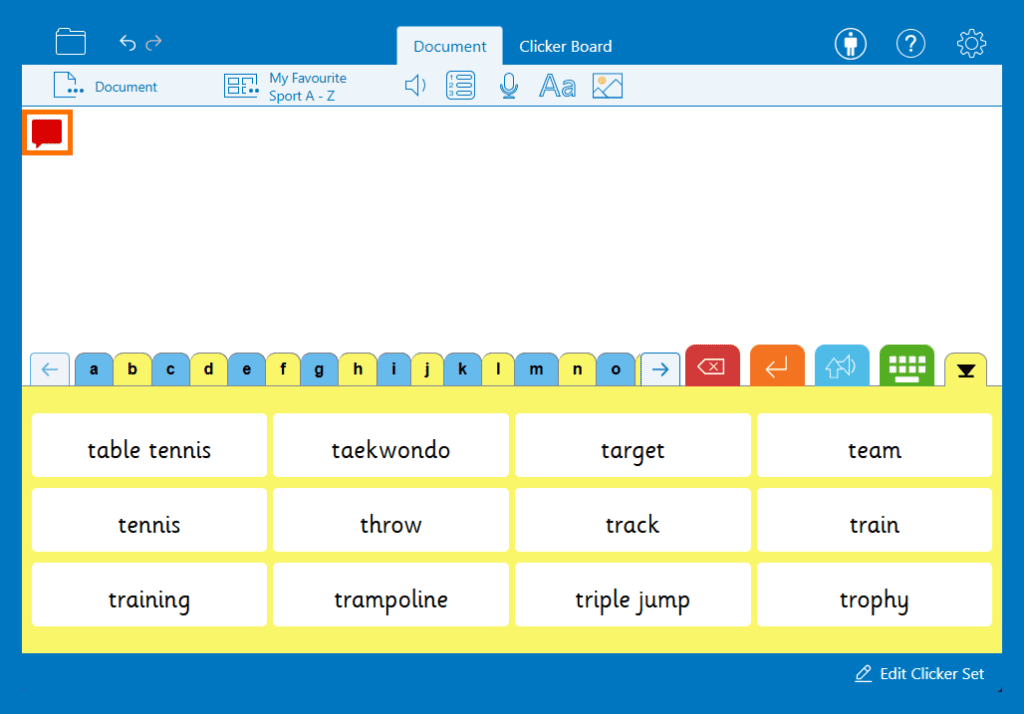
Play Voice Notes
Play Voice Notes at any time while writing:
- Each Voice Note appears as a coloured speech bubble to the left of the document.
- Click a Voice Note to hear it.
- Right-click or long-tap a Voice Note to re-record or delete it.